Claude Mini-App Case Study: Printer Connection Card
Building the Printer Connection Card mini-app with Claude: the process, the design decisions, and knowing when to stop.
Portfolio
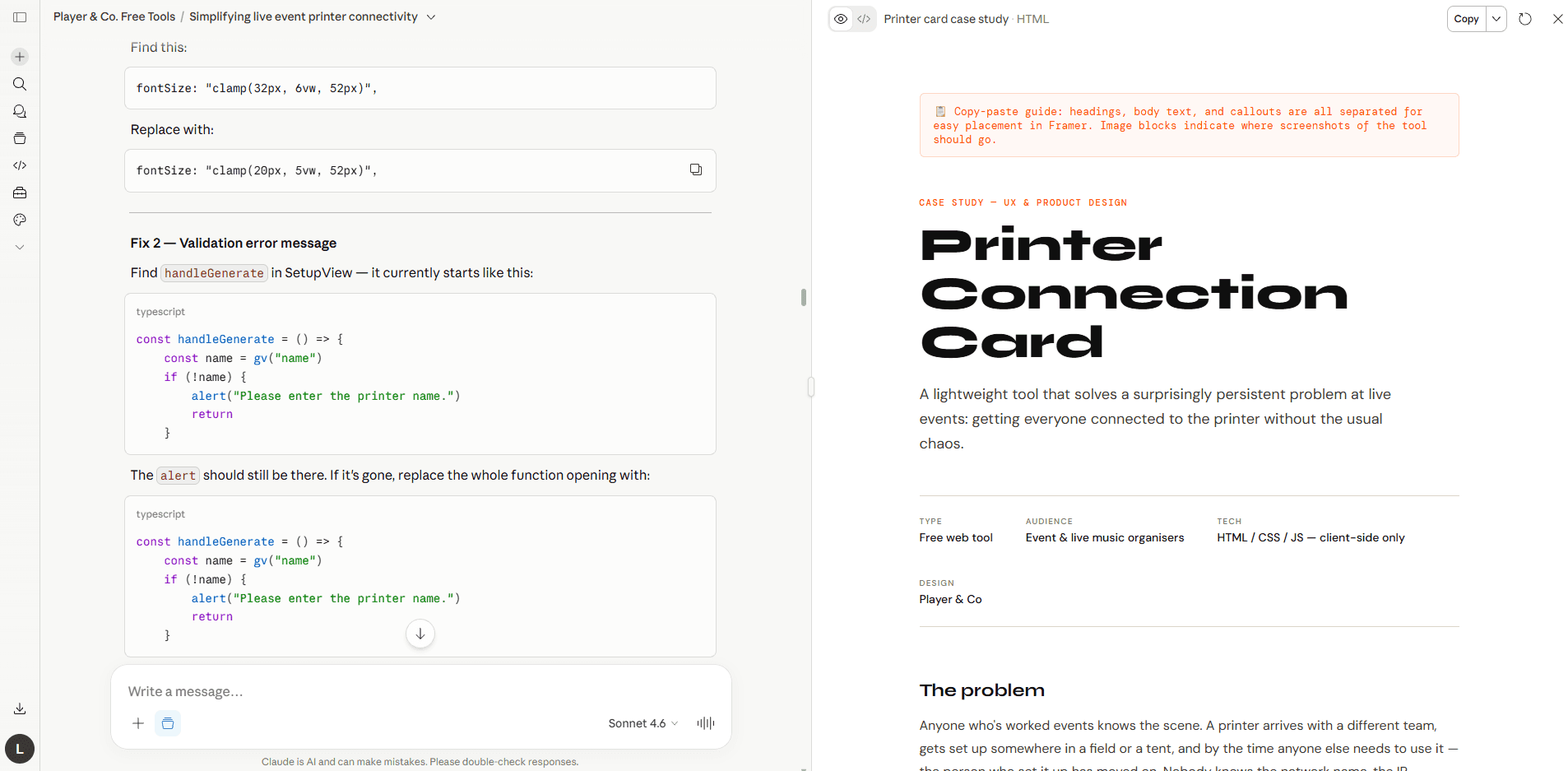
Mini-app: Printer Connection Card
A lightweight tool that solves a surprisingly persistent problem at live events: getting everyone connected to the printer without the usual chaos.
TYPE | AUDIENCE | TECH |
The problem
Anyone who's worked events knows the scene. A printer arrives with a different team, gets set up somewhere in a field or a tent, and by the time anyone else needs to use it — the person who set it up has moved on. Nobody knows the network name, the IP address, or who to call.
It's a small problem, but it creates real friction at exactly the wrong moment: during setup, when everyone is stretched thin and working against the clock.
"It always feels like a faff and there's always some challenge to get it set up properly."
The idea
The insight was simple: the person who sets up the printer is the only one who has all the information, and they're often the first to leave. The solution needed to travel with the printer, not with that person.
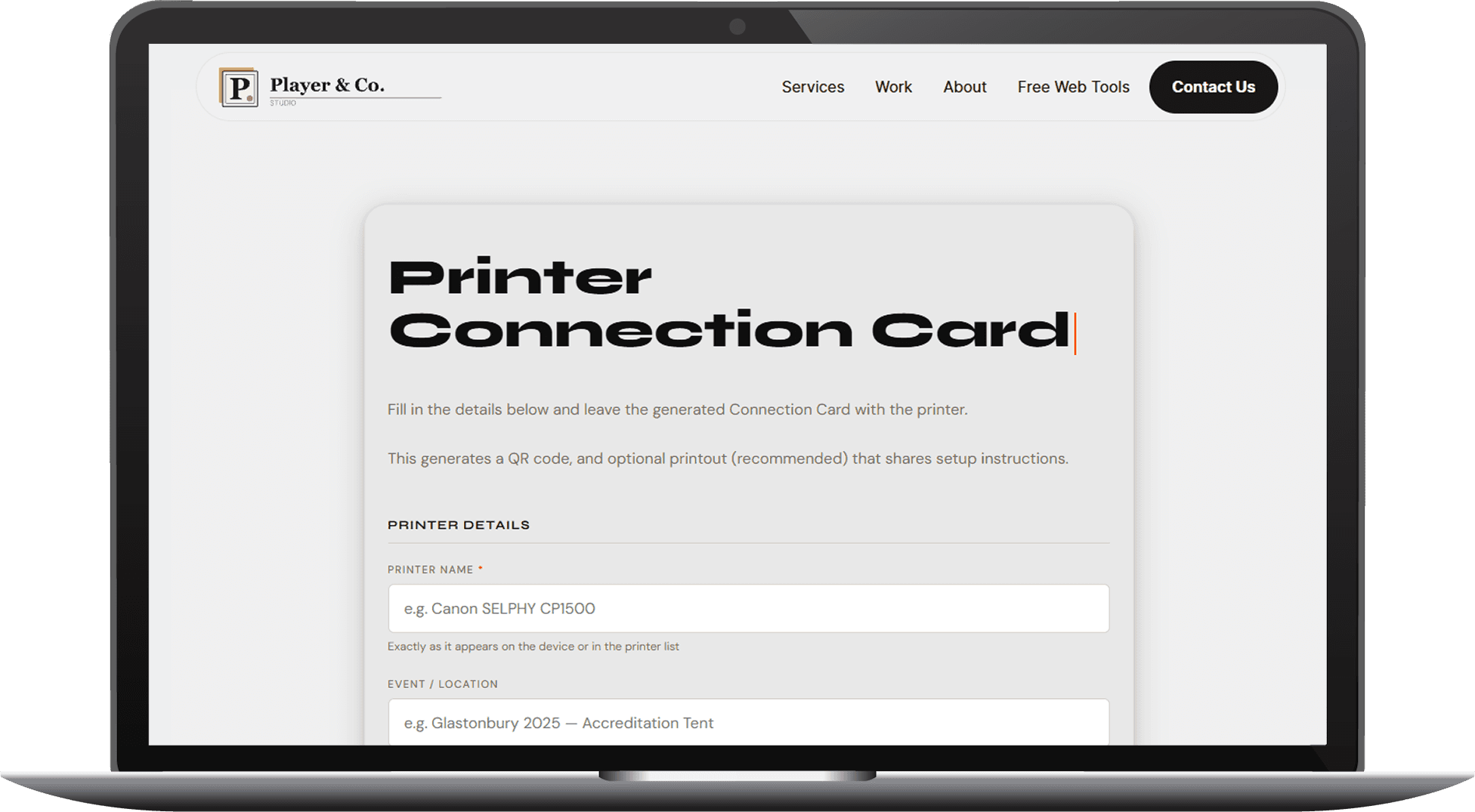
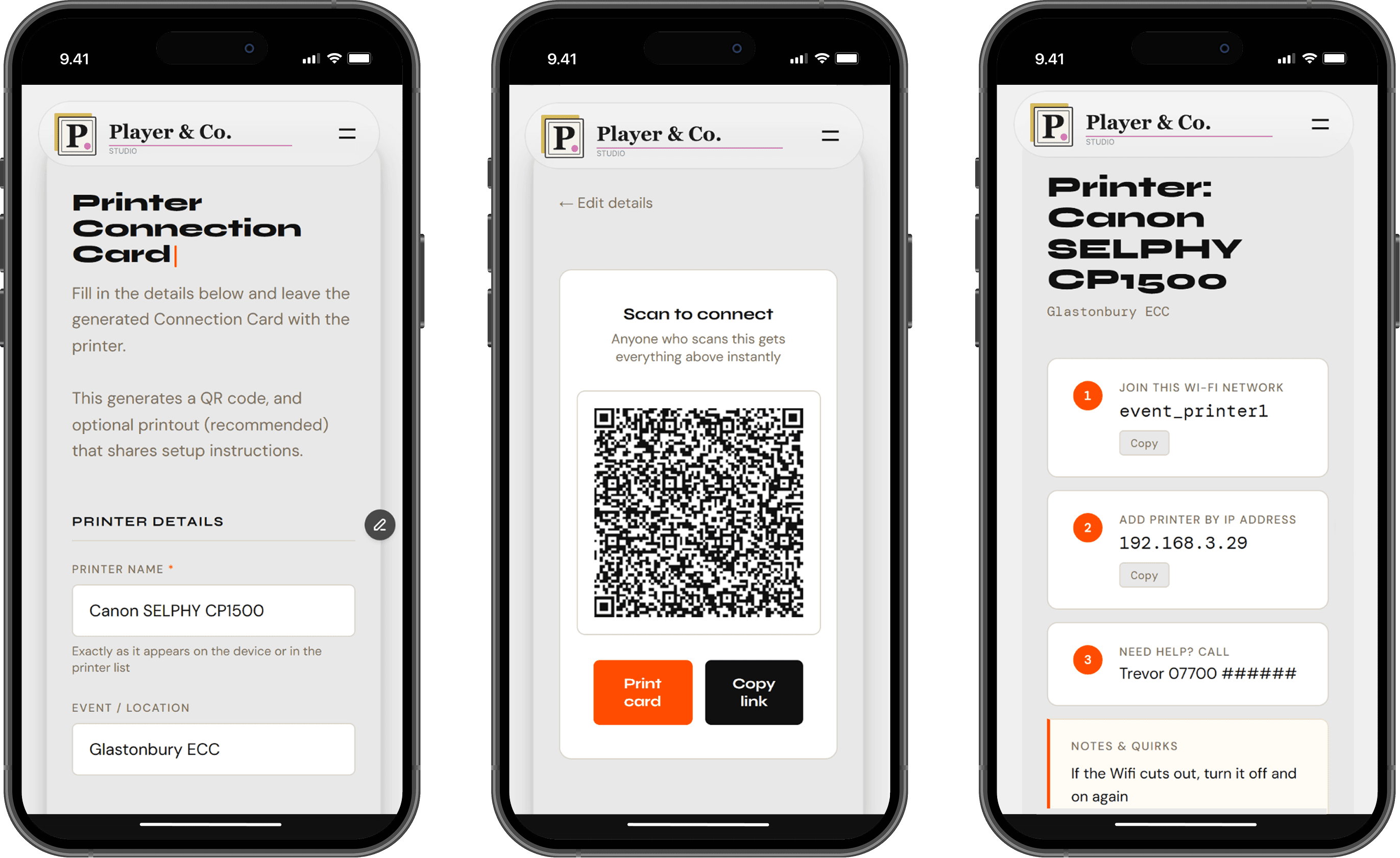
The Printer Connection Card lets the setup person fill in the details once (printer name, network, IP, any quirks) and generates a QR code and shareable link on the spot. Anyone who needs to connect later just scans it. No login, no app, no chasing anyone down.
Design decisions
01
Two distinct audiences, two distinct views
The tool has two modes: a setup view for the tech person filling in details, and a scan view for everyone else. The setup view is calm and form-based — there's no time pressure. The scan view is designed for speed: large type, numbered steps, one-tap copy buttons. The person scanning it is stressed and needs the answer in three seconds.
02
All data lives in the URL
There's no server, no database, no account needed. When a card is generated, all the information is encoded directly into the URL. The QR code points to that URL. This keeps the tool free to run, free to use, and means nothing sensitive ever touches a third-party server.
03
Connection type tabs, not a single form
Different events use different setups: Wi-Fi, USB, IP address, or something else entirely. Rather than showing every field at once, the form uses tabs to surface only what's relevant. Less cognitive load, faster to fill in.
04
Wi-Fi password deliberately excluded
An early version included a password field. It was removed. At events, the Wi-Fi password is usually distributed separately and known to the right people. Including it in a scannable QR code creates an unnecessary security exposure. The network name is enough and if someone needs the password, there's a separate process for that.
05
Copy buttons on values that matters
IP addresses and network names need to be entered exactly. Typing them manually from a screen invites errors. Every copyable value in the scan view has a one-tap copy button — small detail, but eliminates a real failure point in a high-pressure situation.
06
Print-ready by default
The generated card can be printed and left physically with the printer. A deliberate low-tech fallback for environments where phone signal is patchy or QR scanning isn't practical. The print layout strips the UI and outputs just the essential information.
The outcome
A tool that takes under a minute to fill in and eliminates an entirely predictable problem. No accounts, no cost, no dependencies. Built entirely client-side so it's free to run and works offline once loaded.
The real design win is the shift in timing: the friction moves from the moment of chaos (when nobody knows anything) to the moment of setup (when one person knows everything). That's the whole job.
Make the printer setup super easy for everyone at your next event >> Printer Connection Card Creator